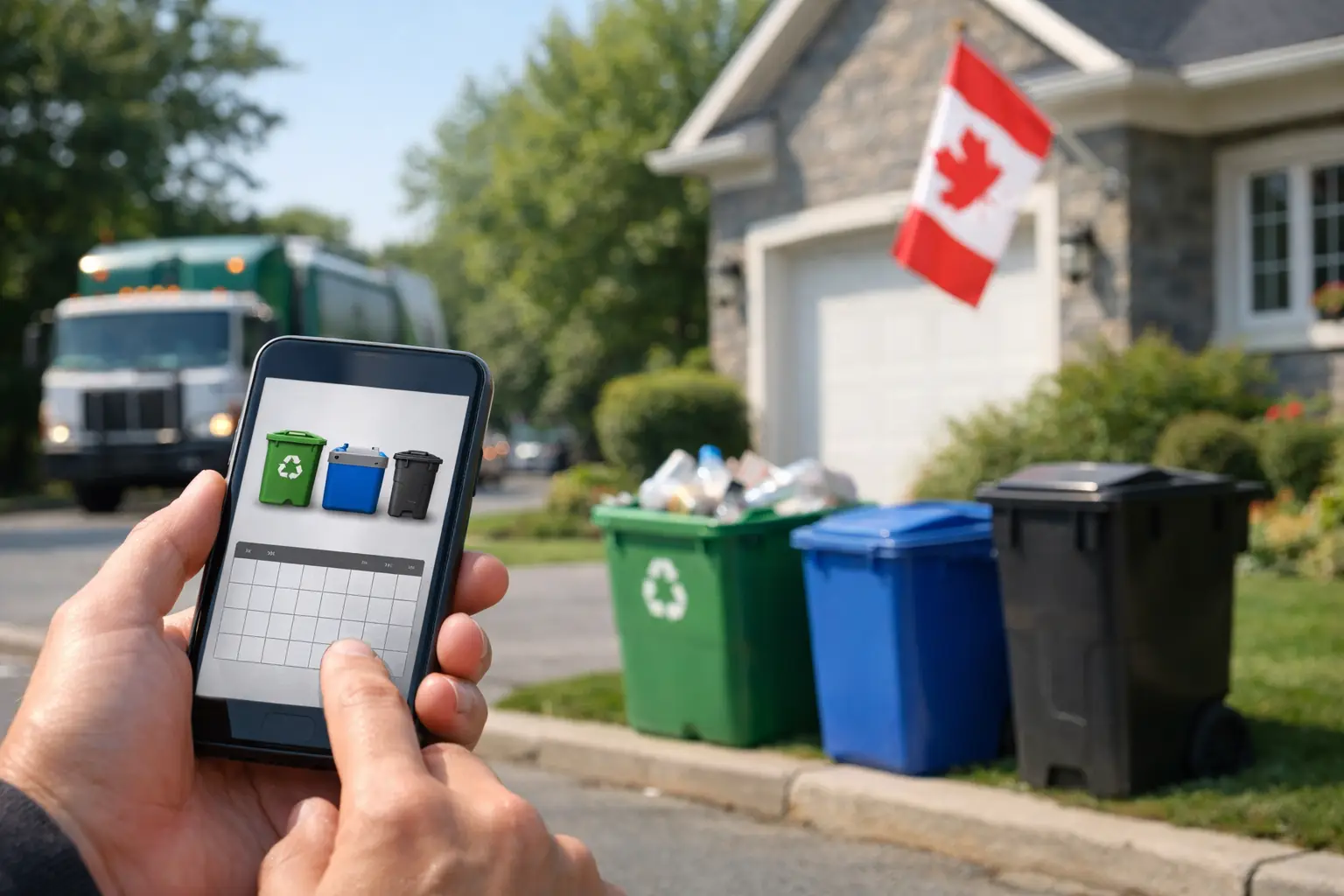
An alternating recycling schedule is easy to remember until a holiday, a move, or a busy week gets in the way. A recycling pickup week checker gives you the answer that matters: whether recycling is collected at your exact address this week, and when the bin needs to be at the curb.
For Canadian households, that certainty is more useful than a general municipal calendar. Collection often varies by zone, street, or side of a boundary. The right checker turns a complicated schedule into one clear next step.
What a recycling pickup week checker should tell you
A useful recycling pickup week checker starts with your address, not a citywide calendar. It should match your home to the correct municipal collection zone and show the next scheduled recycling day alongside garbage, green-bin, and yard-waste collection where available.
That distinction matters. Many municipalities use alternating weeks for recycling and garbage, while others collect recycling weekly but change the day by neighbourhood. A calendar labelled "Week A" or "Week B" only helps if you already know which zone applies to your block. If you have recently moved, manage a rental, or live near a collection boundary, guessing can leave a full recycling bin at the curb on the wrong morning.
The clearest result is a short forward view. Seeing the next four weeks lets you confirm this week’s pickup, check an upcoming holiday shift, and plan for a larger load after a gathering or move. Everything that matters, nothing that doesn’t.
How to check your recycling pickup week
1. Enter the complete service address
Use the street number, street name, unit details where required, and municipality. Collection schedules are usually assigned at the address level, so a nearby address can occasionally have a different day or collection stream.
For condos and apartments, the result may depend on how waste is managed. Some buildings have municipal curbside service, while others use a private collection provider. If bins are kept in a shared waste room or collected from a loading area, check with building management before relying on a municipal schedule.
2. Confirm the upcoming recycling date
Look for the next recycling collection date first, then verify whether it is recycling only or part of a multi-stream collection day. This is particularly helpful in municipalities that alternate recycling with garbage or schedule green-bin pickup separately.
Avoid relying on the colour of a bin alone. Blue boxes, blue carts, and other recycling containers can have different pickup patterns from one municipality to the next. Your address-specific schedule should be the final reference.
3. Check for holiday-related changes
Long weekends and statutory holidays are where printed calendars and memory most often fail. Depending on your municipality, collection may move forward by a day, shift later in the week, or remain unchanged.
A dependable checker uses official municipal schedule updates rather than assuming every holiday follows the same rule. That is especially valuable around Christmas, New Year’s, Canada Day, and civic holidays, when collection changes can affect several consecutive days.
4. Put the bin out at the right time
Your municipality sets the collection window, but putting bins out the evening before is the simplest habit for most households. It removes the risk of a morning rush, an early truck, or a forgotten schedule change.
If you prefer not to think about it at all, set a reminder for the evening before collection. A reminder is not a replacement for an accurate schedule. It works best when it is connected to the correct address and updated when the city changes its service calendar.
Why city calendars can still be confusing
Municipal waste calendars are official, but they are not always designed for quick household decisions. A PDF may show a full year of colour-coded weeks, notes about holiday exceptions, and separate instructions for each zone. That is useful information, yet it requires residents to interpret it correctly every time they check.
The problem is not the calendar itself. The problem is the extra work it creates. You may need to remember your zone, locate the current version, work out whether this is an A or B week, and then scan for exceptions. A paper calendar on the fridge can help, but it does not update itself after a route change or holiday announcement.
A recycling pickup week checker reduces that work to a direct address lookup. Instead of decoding a schedule, you see the result for your household. This is also more practical for renters who have not received a printed calendar, adult children helping parents, and property managers responsible for several locations.
What to do when recycling was missed
First, make sure the bin was set out on the scheduled recycling week. If it was, check whether a holiday shift, weather disruption, road closure, or service notice affected collection. A schedule checker can confirm the planned date, but it cannot always show a same-day operational delay immediately.
Next, consider whether the bin was accessible and prepared according to local rules. Overfilled containers, blocked access, contamination, or bins placed out after the truck passed can lead to a missed pickup. Keep lids closed where required and avoid placing bins behind parked vehicles, snowbanks, or other obstacles.
If the collection truck missed your properly prepared bin on the correct day, follow your municipality’s reporting process as soon as possible. Many cities have a limited window for missed-collection reports. Take note of the address, collection type, and time the bin was placed out.
Address-level schedules are better for multi-property households
One address is enough for many households. But collection becomes harder to manage when you are responsible for a rental property, a cottage, an aging parent’s home, or a second residence. Each address can have a different zone, day, and holiday schedule, even within the same municipality.
This is where separate saved addresses and individual reminders make a real difference. A landlord may need notice before a tenant’s move-out week. A family member may want to make sure bins are out at a parent’s home. A property manager may simply need a reliable view of upcoming service across a small portfolio.
CurbDay is built for this practical job: enter an address, see the upcoming schedule, and receive a reminder before collection. It uses address-specific municipal matching and official schedule updates, so the reminder reflects the service day that applies to the property rather than a generalized city pattern.
A simple routine that prevents missed recycling
The best system is one you do not need to rebuild every week. Check the next four weeks when you first set up your address. Keep an eye on holiday periods and seasonal yard-waste changes. Then let an evening-before reminder handle the ordinary weeks.
There are trade-offs. A printed calendar is useful as a backup when family members share household tasks. A manual phone reminder can work for a stable weekly route. But alternating weeks, multiple addresses, and municipal holiday changes are exactly where an address-based schedule and automated reminder save time.
Put the schedule where it can do its job before collection day arrives. A quick check today is easier than finding a full recycling bin at the curb tomorrow.