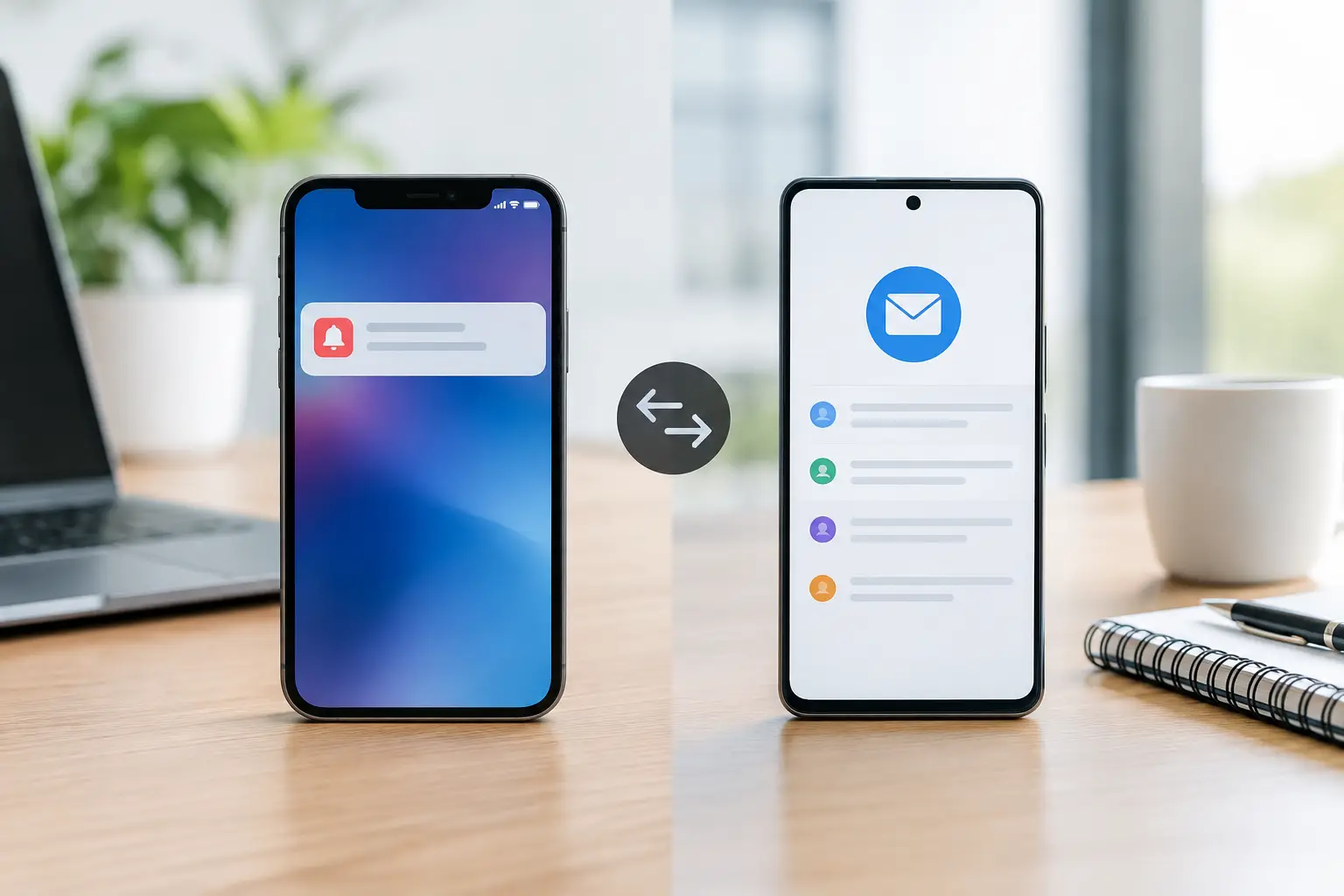
A missed collection day rarely happens because a household does not care. It happens because recycling changed weeks, a holiday moved pickup forward, or the reminder was buried under everything else. When comparing push versus email waste alerts, the better option is usually the one you will notice early enough to put the right bins out.
For most households, a push reminder is the fastest and simplest choice. Email adds a valuable second record, especially for people managing more than one property or planning household tasks ahead. The right setup depends on how your household checks messages, who is responsible for bins, and how complicated your local collection schedule is.
What a waste alert needs to do
A useful reminder is more than a notification that says “collection tomorrow.” It needs to match your exact address and collection zone, reflect alternating streams such as recycling or green bin, and account for official holiday schedule changes. Without that information, a reminder can arrive on time but still tell you the wrong thing.
Timing matters too. A message sent after you have gone to bed will not help much for an early morning collection. Many households prefer an evening-before reminder because it leaves time to sort materials, roll bins out, and avoid a rushed morning.
The delivery method matters only after the schedule is right. Push and email are both effective tools, but they solve slightly different problems.
Push versus email waste alerts at a glance
Push alerts appear directly on a phone or device screen. They are designed for immediate action. If the message arrives at 6 p.m. and says garbage and green bin are collected tomorrow, you can deal with it before the evening is over.
Email alerts arrive in an inbox. They are better suited to reference, planning, and sharing. A household can search past messages, forward one to a partner, or keep a reminder visible alongside other property-related tasks.
Neither option is automatically better in every situation. Push alerts tend to win for day-to-day follow-through. Email tends to win when the reminder needs to be retained, shared, or managed across several people and addresses.
When push alerts are the better choice
Push notifications work well because they ask for very little effort. You see the message where you already see time-sensitive updates: on your phone. There is no need to open an inbox, search for a subject line, or remember to check a calendar.
They are particularly useful for households with a predictable evening routine. A reminder can become a simple cue: check the alert, confirm the materials, put the bins out. This is helpful when garbage, recycling, green bin, and yard waste follow different patterns.
Push is also a strong choice for renters and condo residents who do not need a detailed paper trail. If your only goal is to know what goes out tomorrow, a concise screen notification is often everything that matters.
The trade-off is that push alerts can be easy to dismiss. A busy evening, a phone set to Do Not Disturb, or notification overload can make even a well-timed alert disappear. They also depend on notification permissions remaining enabled on the device.
When email alerts add more value
Email gives a reminder a longer lifespan. It stays in the inbox until you archive or delete it, which can be useful for households that plan chores in advance. If a long weekend changes collection day, an email can be checked again later rather than relying on someone remembering a notification they saw briefly.
Email is especially practical for landlords, property managers, and adult children helping a parent with household routines. One person may receive the alert while another person takes bins to the curb. A forwarded email creates a clear handoff without requiring everyone to use the same device.
It can also support multi-address households. A family managing a primary home, a rental unit, and an elderly relative’s property may want address-specific messages available in one place. That makes it easier to confirm which pickup applies to which property before sending someone over.
The limitation is attention. Inbox messages compete with bills, promotions, work correspondence, and school notices. An email reminder that is filtered, unread, or opened too late is no better than no reminder at all.
The most reliable approach is often both
For a single household, push can be enough when collection is straightforward and someone reliably sees alerts. But waste schedules are not always straightforward. Alternating recycling weeks, seasonal yard waste, and holiday adjustments introduce small changes that are easy to miss.
Using push for immediate action and email as a backup covers two different moments. Push prompts the evening task. Email provides a record you can check when you are uncertain about a change, coordinating with someone else, or planning around travel.
This is not about creating more notifications. It is about avoiding a single point of failure. If a phone notification is dismissed, the email is still there. If an inbox is crowded, the push message can still prompt action at the right time.
CurbDay uses this practical division: households can receive an evening-before push reminder, while Premium adds email backup reminders, selectable reminder timing, and multiple saved addresses. The value is not the number of messages. It is having the correct, address-level collection information delivered in a way your household will actually use.
Choose alerts based on your household routine
Start with the person who usually handles the bins. If that person responds quickly to phone notifications, push is the natural default. Keep the timing consistent so the reminder becomes part of the household rhythm.
Choose email as well if more than one person shares responsibility, if you regularly travel, or if you manage another address. It is also useful when you want confirmation of holiday-related changes before the night before collection.
For families, avoid assuming that one reminder reaches everyone. Decide who receives it, who puts bins out, and what happens when that person is away. A short shared routine prevents the familiar morning question: “Was recycling today or next week?”
For rental and investment properties, make each address unmistakable in your own records. Collection rules can differ between nearby streets or zones, so a general municipal calendar is not always enough. The reminder should be tied to the specific property, not simply the city.
Accuracy comes before notification type
Push and email cannot correct an inaccurate schedule. The most common problem is relying on a generalized collection calendar when the address belongs to a different route, uses a different recycling rotation, or follows a separate holiday adjustment.
Before choosing how you receive alerts, confirm that the service identifies the correct municipal zone for your address and uses official collection information. Then check that it shows the streams you use: garbage, recycling, green bin, and seasonal materials where available.
A clear four-week schedule is useful alongside reminders because it answers the questions a notification cannot. What is collected next Tuesday? Is recycling this week? Did the holiday change the day? You should not have to decode a PDF or search through municipal notices every time the routine shifts.
Set the reminder, then make it easy to act
The best alert arrives when there is still time to respond. For most households, that means the evening before pickup, not the early morning of collection. Keep bins accessible, know where sorting materials belong, and use the reminder as the final check rather than the start of a last-minute scramble.
If push alerts work for you, keep them enabled. If email is part of your system, make sure collection reminders do not get lost in a promotions folder. Small setup choices are what turn a notification into a dependable household routine.
Collection day should not require memory, guesswork, or a search through old calendars. Choose the alert method your household will notice, make sure the schedule is matched to the right address, and let tomorrow’s bins be one less thing to remember tonight.